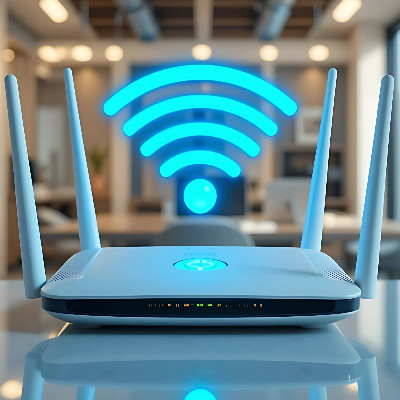

On March 23, 2026 the Federal Communications Commission (FCC) expanded their banned list of hardware to include all consumer-grade Wi-Fi routers produced outside the United States. This designation identifies such equipment as a threat to national security. Under this new regulatory framework, the import, sale, and use of most existing router models are prohibited because a device is classified as foreign-made if any significant portion of its design, component manufacturing, or assembly occurs outside of domestic borders.
Integrid LLC Blog
Most people treat office tech like a kitchen appliance: if it turns on, it’s "fine." But in business, a computer becomes a problem long before it actually breaks.
When you wait for a total failure, you aren’t saving money. You’re paying for lost productivity, emergency rush fees, and the risk of losing your data.
The old adage, “if it ain’t broke, don’t fix it,” has long been outdated. Nowadays, letting your hardware slowly degrade over time without maintenance is a surefire way to create issues that ultimately increase your costs and frustrate your team members.
Let’s talk a bit about why it is critical to cycle through your hardware and how to do so efficiently.
Technology and extreme weather don’t mix. Whether it’s a heatwave or a deep freeze, your office equipment is sensitive. If the temperature isn't just right, your hardware can slow down, break, or even die permanently.
Here is a simple breakdown of why your tech hates the weather and how you can protect it.
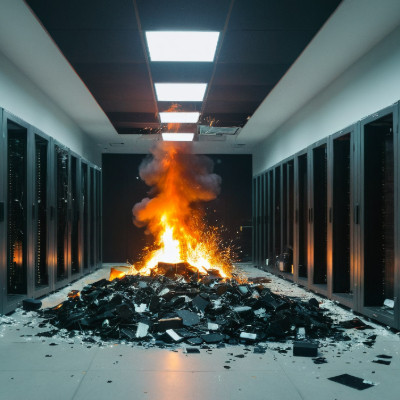
The single greatest danger to your business isn’t a hacker on the other side of the world, and it’s not your employees taking an extra five minutes on their break. It’s that dusty old server taking up space in a closet, the one that you insist works just fine. Hardware failure and the data loss it leads to can often be enough to set your business back far enough that it can no longer compete, and that’s exactly what we’re here to prevent.
In 2026, we spend most of our days managing cloud architecture, deploying automated security patches, and chatting with AI bots. If we dial the clock back exactly 40 years to 1986, however, business technology wasn't just a different world; it was a different dimension.
In 1986, the cloud that we use for business wasn’t even an option. In fact, the cloud was something that ruined your weekend golf plans. We thought it would be cool to take a look at what some of the cutting-edge business technology looked like if you walked into an office 40 years ago.
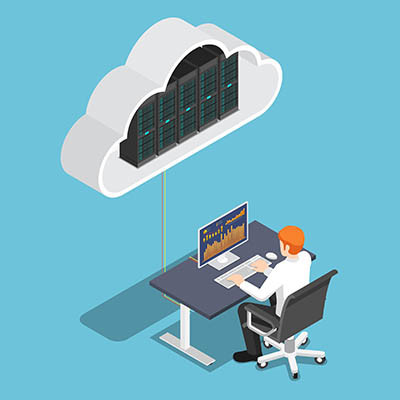
Most modern businesses are powered by their on-premise server hardware assuming that it creates a more secure environment for them. While having your data close by, where you can easily access it, sounds like a great idea, know that there are also issues that arise from these kinds of arrangements. In fact, your business might be the most dangerous place you can host your data. Here’s why.
If you have a lot of complaints about your IT, you’re not alone. Turns out, business technology complaints are one of the most common frustrations for companies. We’re here to tell you, however, that you don’t have to live with broken technology; you can instead take steps to fix it, and it’s not as difficult as you might think.
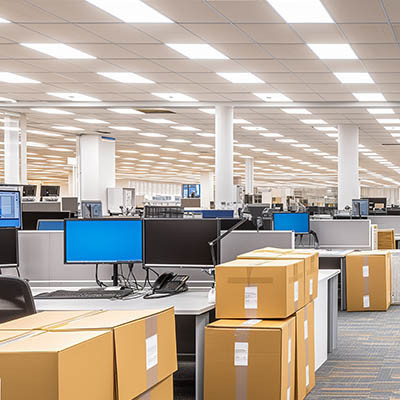
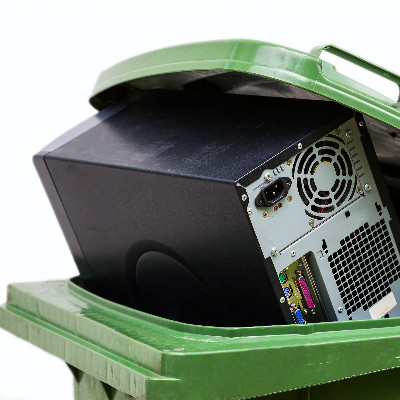
Now that the holidays have passed and are winding down, you may need to phase out some of your old technology to make room for the new. Maybe you’re looking to the new year as an opportunity to upgrade some of the tech your business uses. In either case, it is essential to dispose of your old tools responsibly and sustainably.
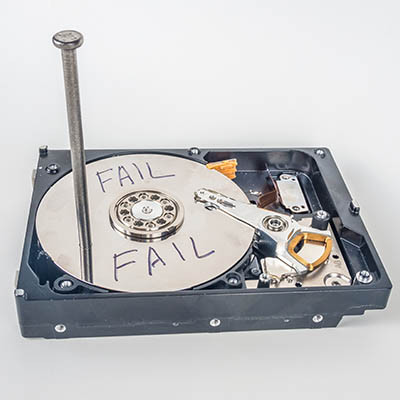
The demand for digital storage has skyrocketed over time. While hard disk drives (HDDs) once dominated the market, solid-state drives (SSDs) are now becoming more popular thanks to their speed, durability, and increasing affordability.
That said, HDDs are still in wide use, though they are far more susceptible to failure compared to SSDs. So, how can you spot the signs that your hard drive might be on the verge of failing?
Laptops are nothing new for businesses. In fact, some recent laptops have the processing power to eclipse your typical desktop workstation. However, this doesn’t apply to all laptops, as evidenced by the Chromebook. Today, we want to explore the big differences between Chromebooks and your average laptop, as well as how you might choose between one or the other.